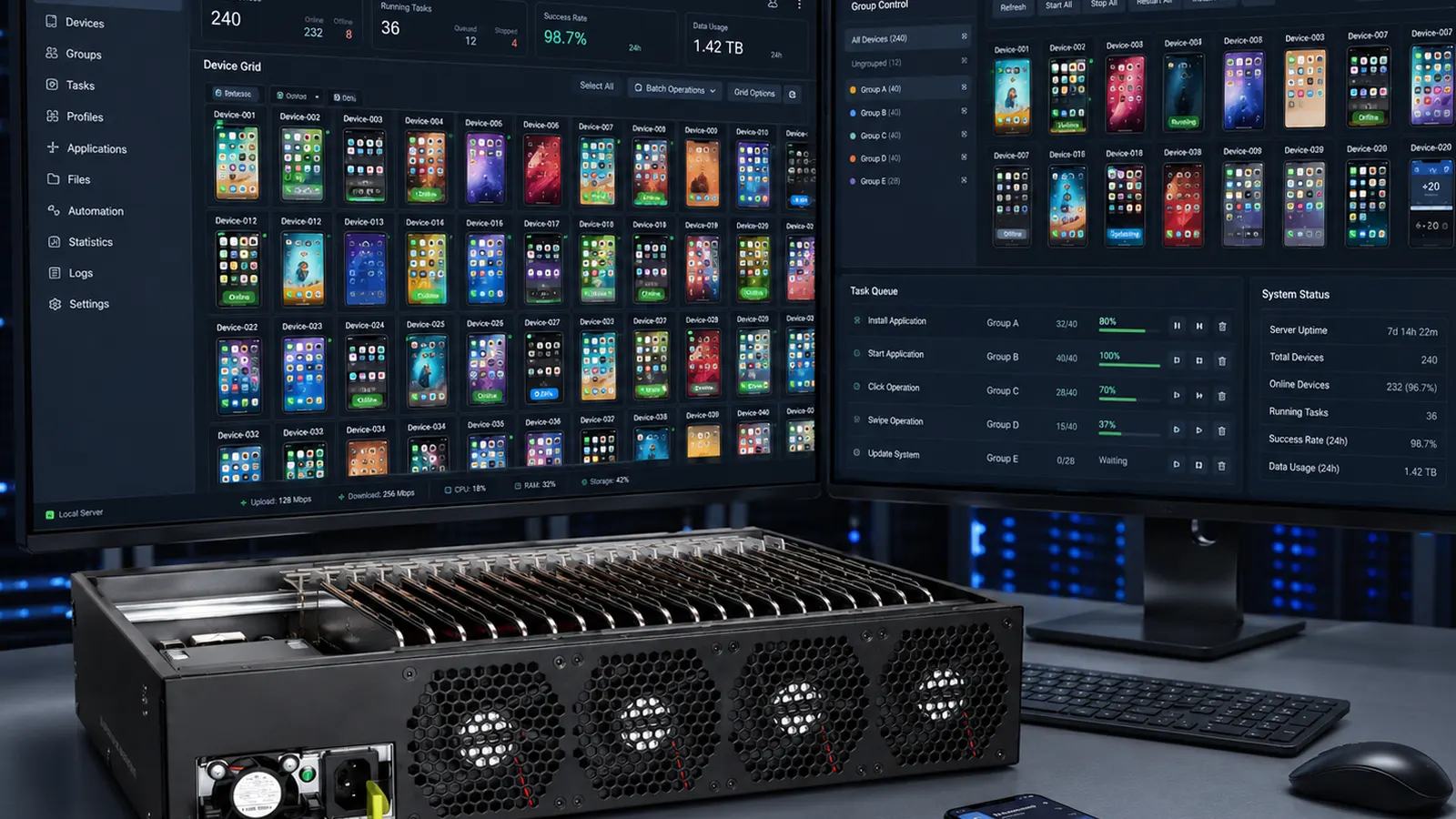
Remote Control Configuration
Screen mirroring, ADB paths, and multi-device dashboard setup for host PC workflows
Deployment illustration — hardware spec confirmed at quote.
Remote control configuration connects your host PC to quoted phone farm hardware — verifying USB uplink, device authorization, and batch-control or mirroring stack for your Android or iPhone node mix.
Faster go-live
Reduce first-week wiring mistakes.
Documented handoff
Session notes tied to your slot map.
Android & iPhone
Scope adjusted per platform on quote.
Add-on friendly
Combine with group control configuration.
Typical stack
Host PC with admin access, hub uplink cable, batch-control or mirroring software (buyer-owned or quoted), and network router when per-group IP is required. iPhone paths may need additional host tooling — confirmed on datasheet.
Session scope
Verify all nodes appear in dashboard, walk through single-device control then group sync, document cable labeling, and note spare port policy for expansion. Does not include ongoing 24/7 NOC unless extended support is on invoice.
Prerequisites
Hardware powered, room network stable for screen share, and list of target apps or test APKs if validation is part of scope.